EDS uses a software called Uniflow.
The print job is sent to both printers allowing the teacher to choose which printer to print from.
Keep in mind, the mailroom printer is the only printer that's color.
When printing a document, you will select "Alpha Print" as your printer. This will submit the job to both printers.
**If you have printed your document and you do not see it, this is due to the Uniflow application on your computer not responding or not running.
Typically the computer has been on for days/weeks at a time without a proper reboot. If a reboot does not fix the issue, please see - Unfilow Printing Issues article in the Troubleshooting Folder.
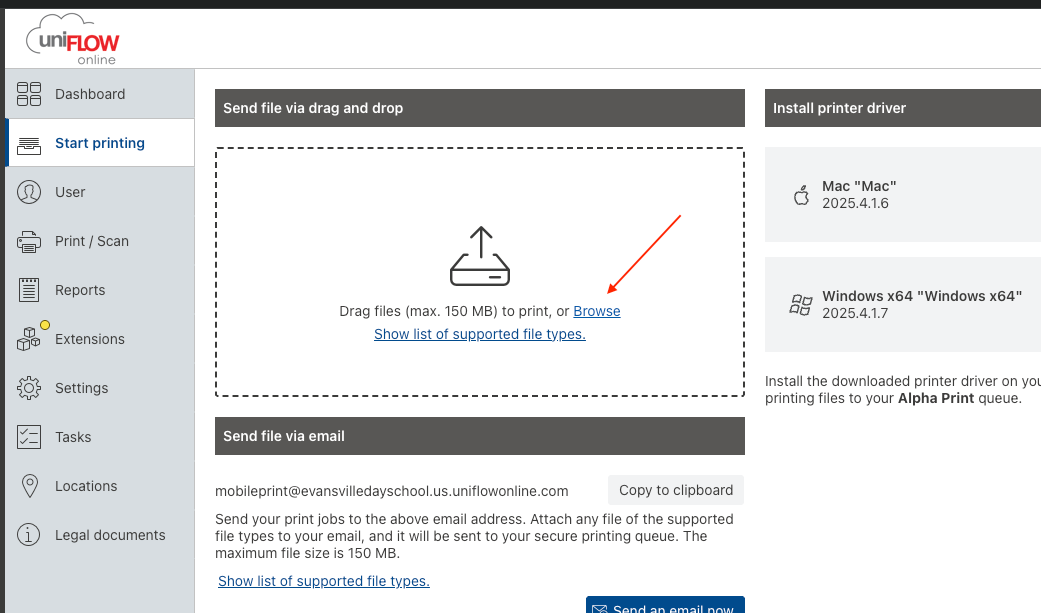
*** You can also use the cloud service to print: https://evansvilledayschool.us.uniflowonline.com/
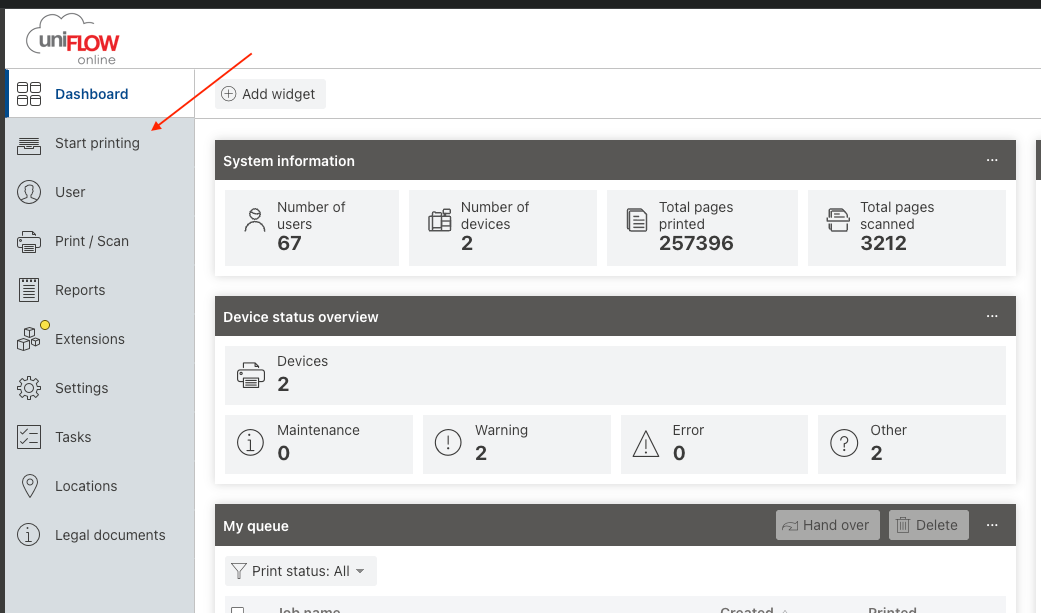
* You can drag and drop or browser for your file.
Was this article helpful?
That’s Great!
Thank you for your feedback
Sorry! We couldn't be helpful
Thank you for your feedback
Feedback sent
We appreciate your effort and will try to fix the article